Let's create a database in XAMPP!
Once we have a database, we can create a and add records to it.
As we will see later, a single database can have many tables.
To add records, we will need to do a lot of typing so...
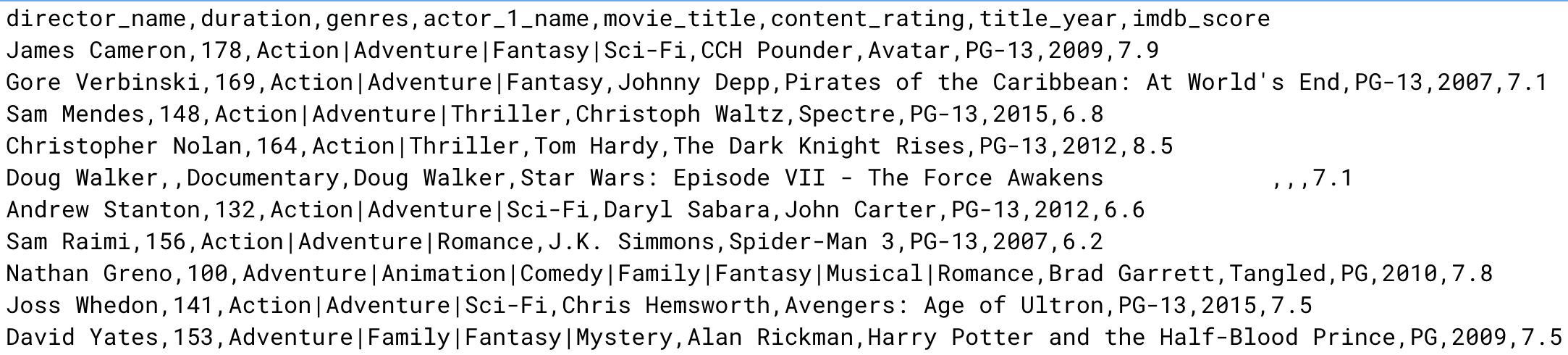
Let's take a shortcut!
We will:
Download the file and save it in a project folder - don't leave it in your downloads folder!
Now let's create a database in XAMPP and import the csv file into a database table. The following video will help.
Complete the worksheet as you work through the task.
Each record in a database table must be unique.
The field that makes every record unique is called the primary key field.
In some tables, a primary key field may already exist. For example, if one of the fields in a table is email address then this can be used as a primary key because everyone has a unique email address.
However, if a table does not have a field which makes each record unique then a common strategy is to:
Auto-incrementing means that when you add a record to the table, the database software will take care of the primary key field's value.
Can you figure out how to:
This short course is going to give you an appreciation of databases! Probably without realising it, you interact with databases everyday. If you're a Facebook user, or a Gmail user, or an Instagram user, or a.... web user - you deal with databases!
database import evidence table integer screenshot record text field double data type