Photoshop Part 2
Oh! It's you again! Hopefully you have finished the first part of this Photoshop course. If not, click the "Back" button above and complete it first.
If you are sure that you should be here, let's get started.
You should already know some of these basic concepts and some others, too:
- the importance of layers - make sure you rename them!
- how to use selection tools and "Layer via cut/copy"
- clipping masks
- blend modes
- how to set up and use the brush tool
- how to use the Clone Stamp
This course will treat you like a "Photoshop Teen", not like a "Photoshop Baby" in Part 1 (remember Tom Cruise?).
You are free to jump straight into your own way of developing your skills. You could start your own project and figure everything out as you go. You could find your own tutorials to help you develop new skills and get new ideas.
However, to help you decide what you need to do, below are a set of Intermediate Level Photoshop tutorials that we recommend you try. They are quite short, easy to follow and introduce new skills.
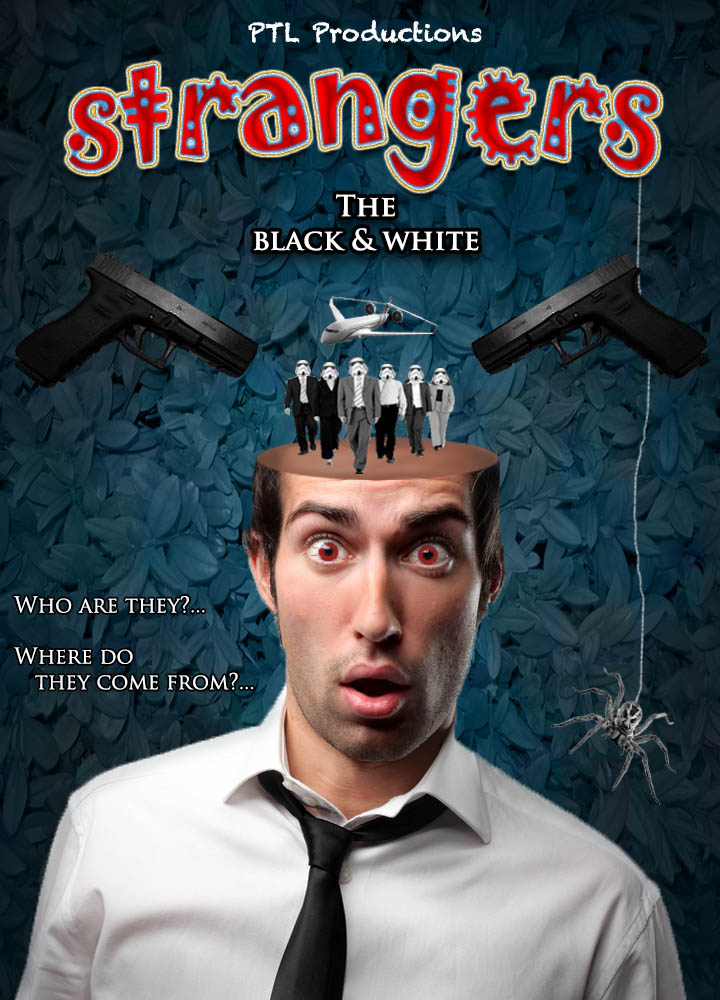





Project!
You will create a publication that can be used by people at your school.
It could be:
- A poster advertising an event
- A flyer advertising an event
- A poster for a classroom wall
- A web page concept for a subject that you are studying
- A web page concept for the school webpage
You must not
- use any images obtained from the Internet
Your challenge will be to develop your digital publication with images that you take with your camera.
You may have to study how to set up a DSLR camera properly depending on the light available.
Anything that you require (eg textures, images) must be captured by you or your team.