This is an informal challenge. You will complete it individually or with a partner. You have about 45 minutes to complete as much as you can.
Part A - Follow these instructions:
- Click this link to download a zipped folder.
- Save it in a folder called challenge-1 on the desktop of your computer. Right click on it to
- extract the files
- Check that there are 3 images and a text file in the extracted folder.
- Using a text editor, save a new file called phuket.html in your project folder.
Follow these instructions:
- Type out the skeleton of a webpage. Include the html, head, style and body tags. Make sure you close the tags properly.
- Open the text file and copy/paste Paragraph-1 into the body of your webpage file. Make the text Welcome to Phuket an h1 element. Make the rest of the text a single p element.
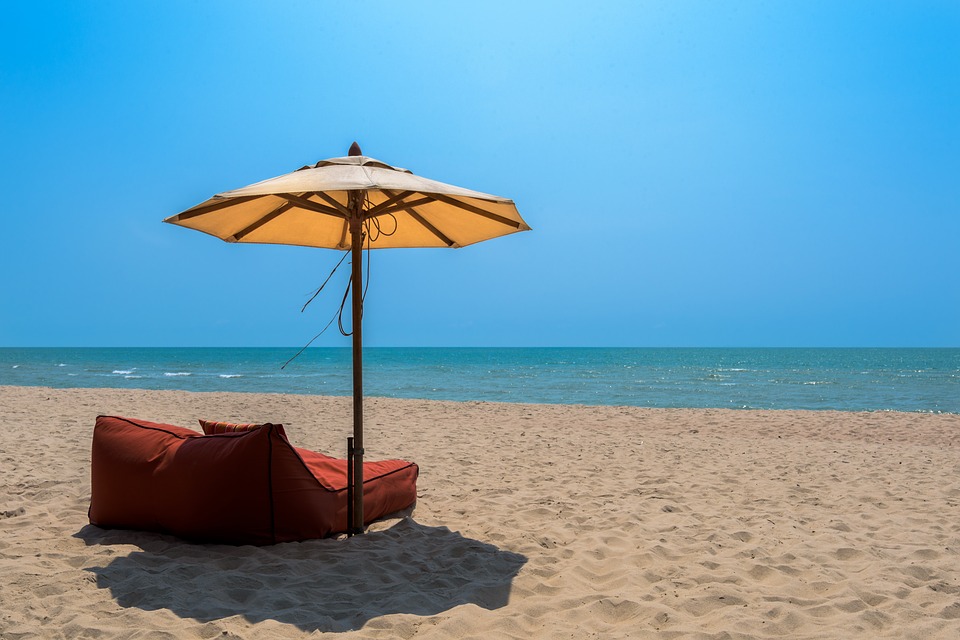
- Write some html that will insert the image beach-1 after the first paragraph.
- Copy/paste Paragraph-2 after the image. Make the text Itinerary an h1 element. Make the 3 sentences an ordered list.
- Write some html that will insert the image room-1 after the second paragraph.
- Copy/paste Paragraph-3 after the second image. Make the text an h3 element and make it italic.
- In the style section of your webpage, create the following styles:
- h1- blue color, font-family courier new, font-size 120%
- h3- purple color, font-family Palatino Linotype, font-size: 2em
- p- font-family Times New Roman
- img- border blue solid 2px, border-radius 20px
- img:hover- opacity 0.7
- Create the following rules/classes
- bigImage: width:150%;
- smallImage: width: 80%;
- Apply the bigImage class to the first image in the webpage.
- Apply the smallImage class to the last image in the webpage.
Challenge
Can you create a menu bar at the top of the webpage with About us and Contact as the 2 options. Create 2 other webpages in your folder called aboutus.html and contact.html. Can you hyperlink to these webpages?
Part B - Interaction
To complete Part B, you should know how to create a javascript function. This time we will activate some javascript by clicking the first image.
- Write some Javascript that will allow the user to click the image. The user will be asked "Have you ever been to Phuket before?" If the user answers "yes", a message Welcome Back! is displayed on the webpage. Otherwise ,Welcome to Phuket! is displayed.