
TEXT TAGS
fundamental web design
Scenario
The chef needs some extra content to be added to the webpage.
You will need:
- a text editor Sublime Text
- a web browser eg Google Chrome
- a positive spirit!
1. Get organised
Web Design projects mean you will be working with lots of files.
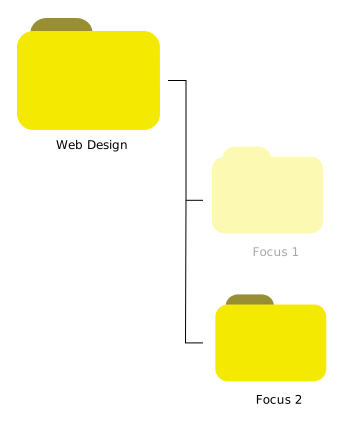
First, set up a project folder for Focus 1. Create the following folder structure on your computer:
Task 3
Open in a web browser.
Open in a text editor.
Can you figure out how to do splitscreen to view your browser and text editor at the same time?
Task 4
Change the title of the webpage to be Best Recipes.
Save the text file.
Refresh the browser.
Does the new title appear at the top of the page?
Task 5
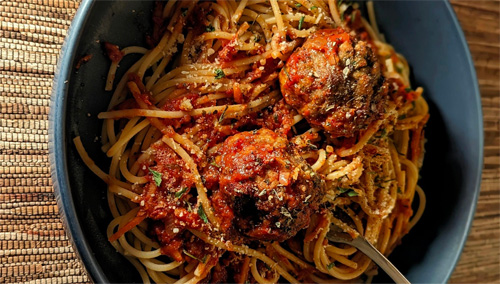
Add the following information to the recipe for meatballs
- salt
- pepper
- parsely
Save the text file.
Refresh the browser.
Does the recipe update properly?
Task 5
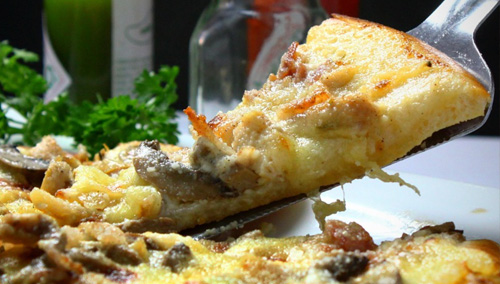
Add the following information to the recipe for pizza
- mushrooms
- olives
Save the text file.
Refresh the browser.
Does the recipe update properly?
Task 6
What's your favourite dish?
Find an image on the Internet and save it in your project folder.
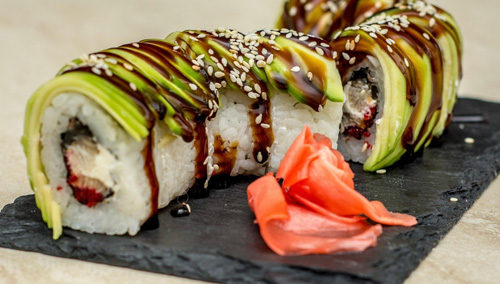
Can you figure out how to include it in your webpage, under Sushi. Make sure you include a list of key ingredients.
Free Design
Can you figure out how to change the background color of the webpage? And how about the border style of the images?
SUBMISSION
Submit your project folder as instructed by your tutor.
Exemplars
Tags
browser file tags body save h1 html h4 h2 structure refresh h3 organised collaborate