
Digital Illustration
Focus 3 - The Pen Tool
A very useful tool that you should learn how to use if you want to be a serious Graphic Designer is the Pen Tool.
It is AMAZING! You can create any shape if you know how to use it correctly. So - take time to master it.
Getting started
Follow the steps below and let's make a cool illustrated character. Be creative - you can use your own colors and designs.
1. Get organised
You know what to do, right?!
2. Open Adobe Illustrator and complete this short video tutorial.
Be creative and find ways to practice using the pen tool. In this video, the hair and the lips are good opporunities to practice. You can add your own ideas, too.
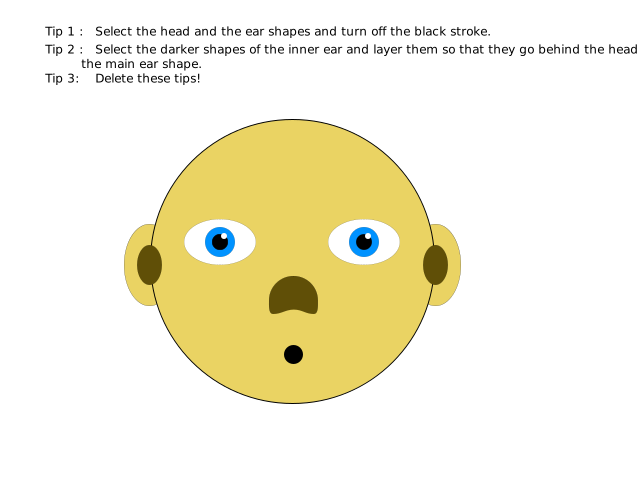
Use this image to help you start if you like:
3. File Formats
When you save an Adobe Illustrator file, the format is .ai
Save your file as character.ai - this is your project file.
Let's also save the image so that we can post it onto instagram or Facebook.
Export the image in jpg format and save the image as character.jpg in your project folder.
SUBMISSION
Submit your project folder as instructed by your tutor.
Tags
path anchor point illustrate shape illustration color illustrator software digital application image professional properties convert