The Diplomat
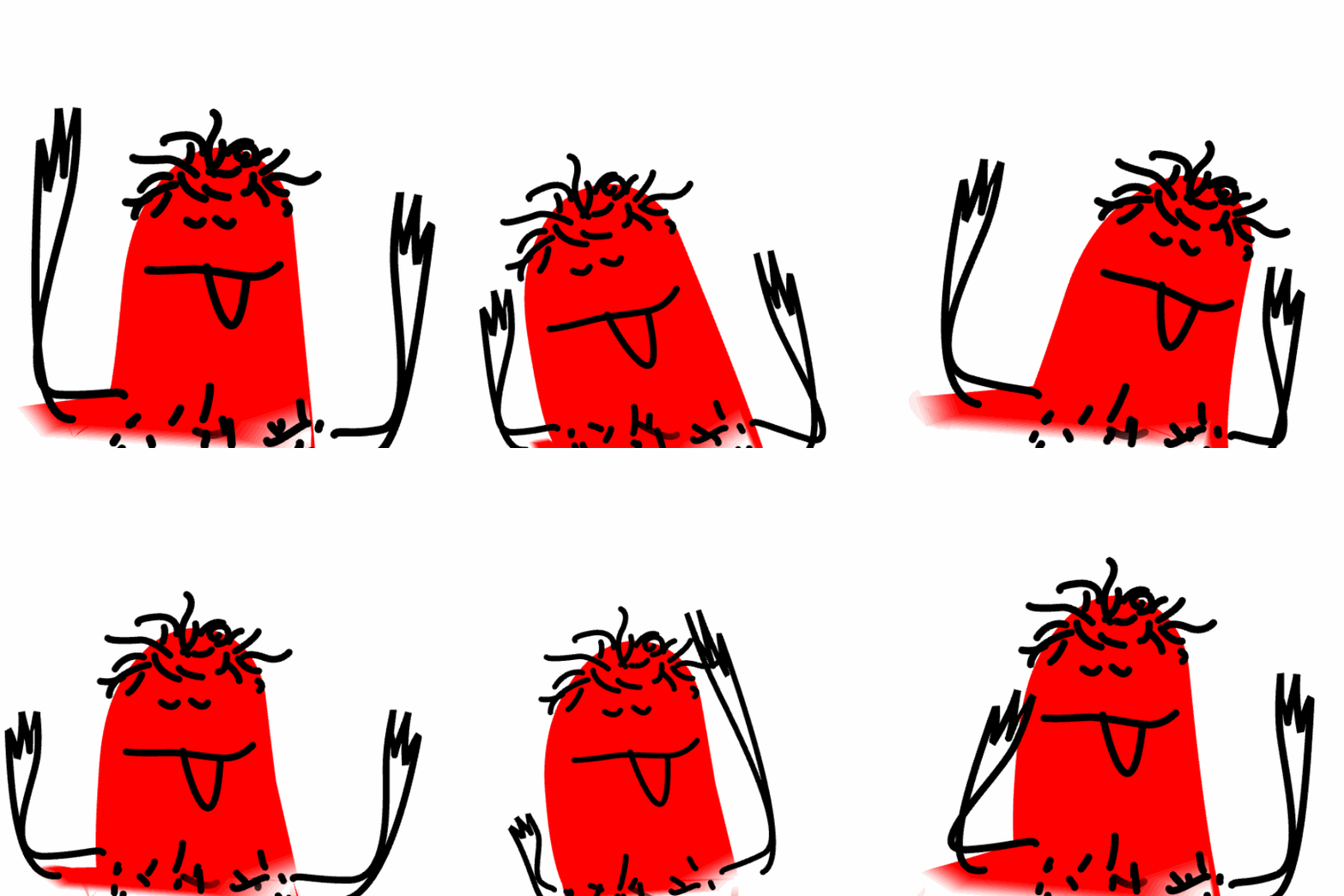
An alien has landed on Planet Earth.
(S)he is a diplomat from a distant planet.
(S)he can speak some of Earth's languages such as Japanese, Korean, Afrikaans etc.
(S)he also has an own language.
Scenario
The alien's mission is to promote his/her planet as a tourist destination.
The alien also wants to sell his planet's product(s) to Earthlings.
(S)he has heard about the internet and wants to design a web page.
However, (s)he does not have any web design skills!
You will design a web page(s) for the alien.
The web page(s) will:
- introduce the alien and promote the alien's planet as a tourist destination
- promote the product(s) that the alien is trying to sell to Earthlings
Your web page(s) will include:
- a .gif image of the alien
- a .svg image of the product(s) that the alien wants to sell to Earthlings
- other content you have chosen to help promote the alien, the planet and the product
Get Orgainised!
Create a project folder called The Diplomat Project
All of your project files will be stored here.
You can use this template to help you get started if you want.
Plan
Before starting the web page(s)' design, let's plan a few details.
Open the document and start to think about some starter ideas. You can change these later.
The diplomat
Click the image above and design your Alien Diplomat.
when you have finished, save the .gif file in your project folder.
The product
Using graphic design software design at least one product that the diplomat wants to sell to earthlings.
Your webpage will promote this product.
Save your image(s) in your project folder.
Some graphic design options are:
- Adobe Illustrator
- Sketchup
The Web Page(s)
Using the ideas from your planning sheet and your images, start to design the webpage.
One idea is to design 2 pages, one to introduce the Diplomat and Planet and one to introduce the product(s).
Be creative! Use your knowledge of HTML and CSS. Research new ideas, too!
Presentation
You will make a short presentation about your project experience.
Answer the following questions in the presentation.
- What was the project about?
- Show us your web page(s)
- Did you learn something new? eg HTML/CSS/Illustrator etc...
- What did you enjoy most?
- If you could do the project again, what would you do differently? Why?
- Conclusion...
Slides
Use Google Slides.
Choose a Theme.
Make sure you use Layouts!
You are not writing a book!!! Don't put a lot of text on the slides.
Use Speaker Notes to help you practice!
SUBMISSION
Submit your project files as instructed by your tutor.