Create a new folder called Growing Up. Save all of your files in this folder. Upload your folder to your Google Drive Web Design folder when you have completed the 3 tasks.

Task 1
Copy and paste the following html and javascript into a new text file called javascript-1.html.
<html>
<body>
<p>Your name will be displayed on the next line!</p>
<p></p>
<script>
var yourName = prompt("Welcome! Please enter your name:");
document.getElementById("name").innerHTML = yourName;
</script>
</body>
</html>
Open the page in a web browser. Hopefully nothing will happen! Why not? Can you fix the problem?

Task 2
Copy and paste the following html and javascript into a new text file called javascript-2.html.
<html>
<body>
<p></p>
<p></p>
<script>
var yourName = prompt("Welcome! Please enter your name:");
document.getElementById("name").innerHTML = '<h3>Your name is '+yourName+'.</h3>';
</script>
</body>
</html>
Can you adapt this program so that the visitor is first asked to enter their name. Then (s)he is asked to enter their age. The output will look like:
Your name is Jack.
You are 15 years old!
Task 3
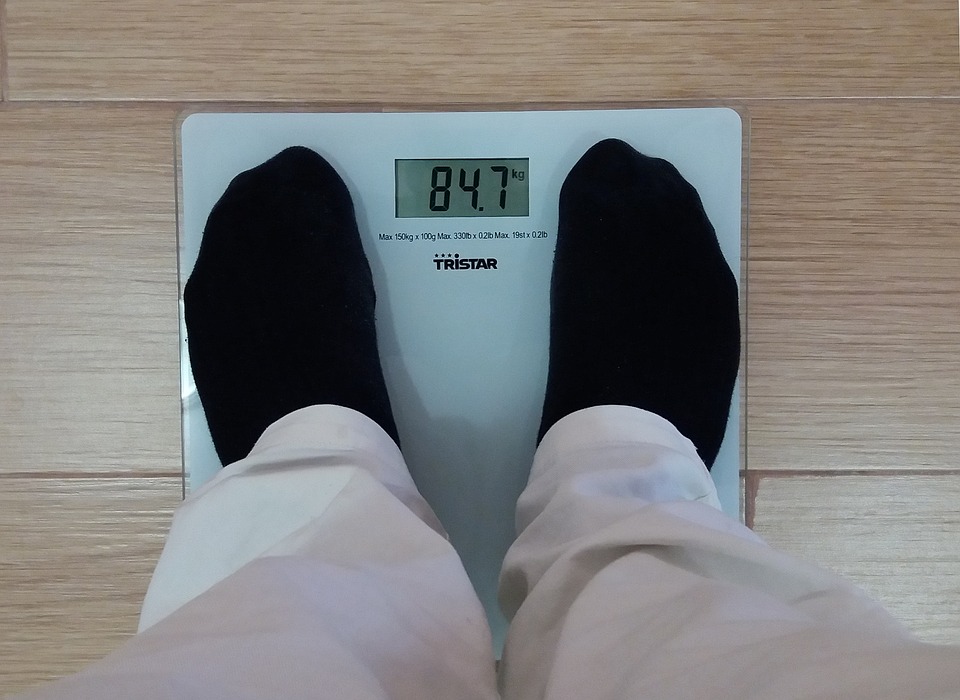
A doctor needs a program that will ask a user for their height in meters and their weight in kilograms. It will then display the visitor's Body Mass Index (BMI) on the webpage in 3 different colors. For example:
Your height is 1.63m
Your weight is 60kgs
Your BMI is 22.0
Create a new text file called javascript-3.html.Write this program. Remember, you will need 2 variables to store the two pieces of data from the visitor. With a little bit of Maths and Research, we should be able to calculate and display the BMI.