ABOUT TERM 2
Blender is a software where it lets you create 3D images and animations, it is a really hard application to get used to, a lot of skills are required to sucessfully understand and communicate with the application.
There are tons of functions that when you open the software, you wouldn't understand anything, and only tutorials will get you through this course of term 2.

This image above is my first product with Blender, to get used to using Blender, you have to be patient and take baby steps, meaning you have to start with many beginner tutorials, understand how a 3D object is made, then try again without tutorial to see if you are 100% understand the Blender's concept.

After three tutorials on Mister Moosi, and you think you have mastered it, you can move on to researching Youtube tutorials, you can continue practice or you can design your own by challenging yourself. And here it is, I try to design a scene without using any help from the tutorials.
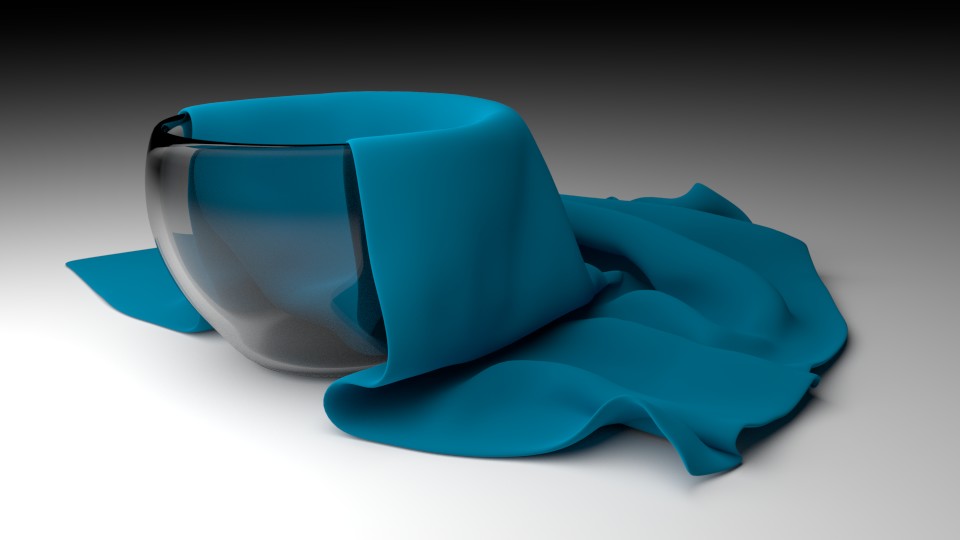
For this tutorial, upgrading from the cup tutorial, the cloth is added. To create this cloth, you would need to first create a flat surface, and using some animation gravity where the cloth will drop down when you click the play button, you can choose where to stop the cloth from falling and display it as where it is.

This bear tutorial is super fun to worked with when you are a beginner and don't know anything about the material of fur or hair, when the material is applied to the object, you can freely adjust the size, the amount of smooth and fluffiness to the bear, and the result is super cute!

Over many times, I always try to do a harder tutorial to improve my skills and understandings in Blender, I challenge myself more by choosing a harder tutorial to deal with for every tutorial I finished.

Following the tutorial to get the result above took me 3 weeks of classes, it is a really hard one. I would need to first find a picture of a lightbulb on Google and save it, then I will have to open the file on Blender, kind of sketch it and make a shape out of it, after that, I need to create a scene, keep copy and paste the light bulb and create a scene. There would be one exceptional light bulb where it lights up while the others don't have any light, and that have to do with the materials in Blender.
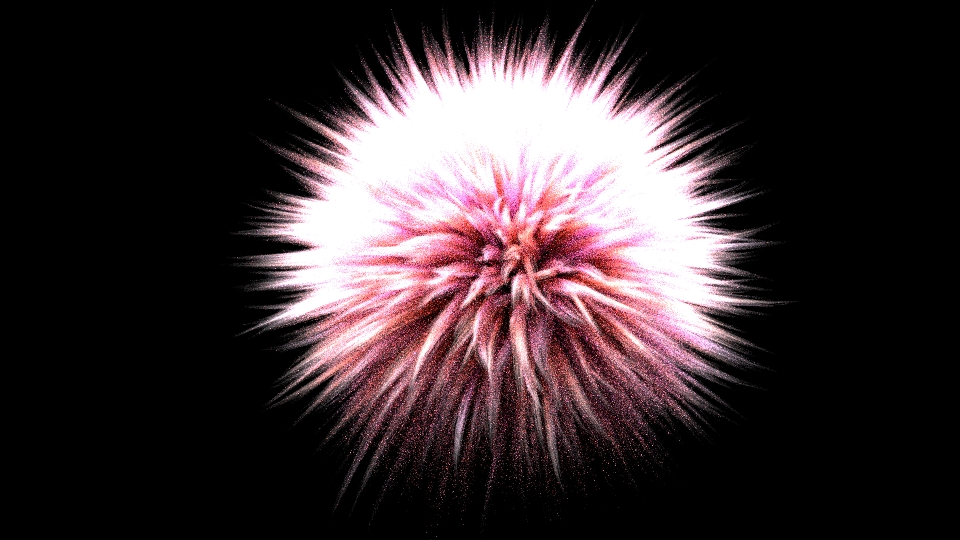
The image above is an object of a fluff ball, this tutorial was super hard to deal with, and because the resolution is super high, the computer can't process sometimes and so I have to turn off and on several times. Even though the tutorial is super fun to follow, I recommend not to do this tutorial.
This is the tutorial where I worked at home when I don't know what to do, the tutorial took me 3 hours without resting, and the result was really pleasing to me.
After I watched a tutorial with creating smoke in Blender, I tried to make my own version of smoke, so here it is!