
The Brush Panel
painting scars
In the last lesson, we looked at how to open images in Photoshop, create a layered composition, create new layers from a selection and add adjustments and clipping masks!
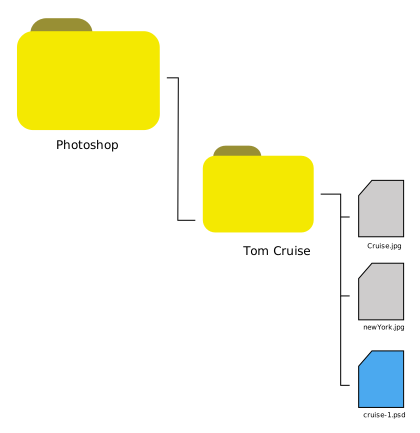
Currently, your project environment should look like this:
In today's lesson we will explore the Brush Panel and give Tom some nice scars.
1. Getting started
Open your cruise-1.psd prject file.
Make sure the Layers panel is open.
2. Video Tutorial #2
You are now ready to attempt today's video tutorial. It is about 7 minutes long.
Remember the tutorial is there to help you. However, you can be as creative as you want to be with the brush tool.
Make sure you create new layers for your brush work - this will help you stay in control of your composition. Can you see why?
Do you remember the exemplars on the home page?

3. Submission
Save your current project as cruise-2.psd
Upload it to your Google Drive Photoshop folder