Text
it's not just images!
So, we now have some Photoshop skills. We have been practicing working with layers, including adjustment layers.
We have been practicing using the selection tools and adding clipping masks.
We have been figuring out how to incorporate blend modes into our work.
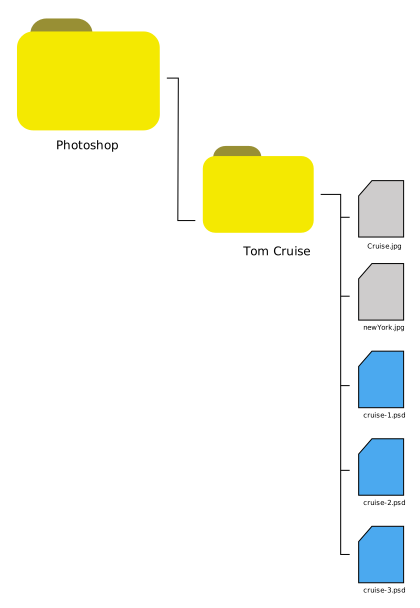
Currently, your project environment should look like this:
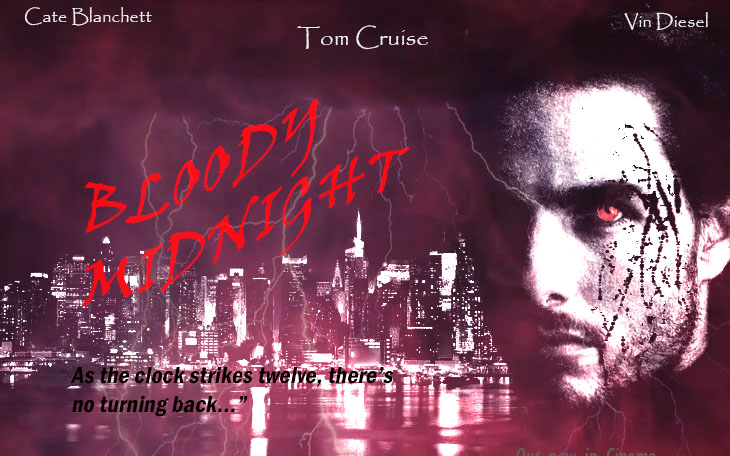
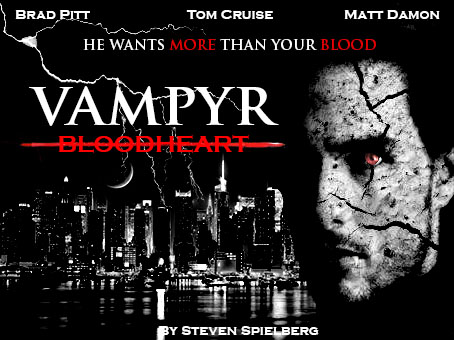
Now, we will explore text and see if we can create a cool movie poster.
1. Getting started
Open your cruise-3.psd project file.
Make sure the Layers panel is open.
2. Research
Research a cool text tutorial on the Internet. See if you can follow it and figure out a new technique.
Why not try 2 or 3 short tutorials? You can create a new Photoshop file while you are exploring if you like.
3. Incorporate
When you are ready, see if you can incorporate your new ideas into your movie poster project.
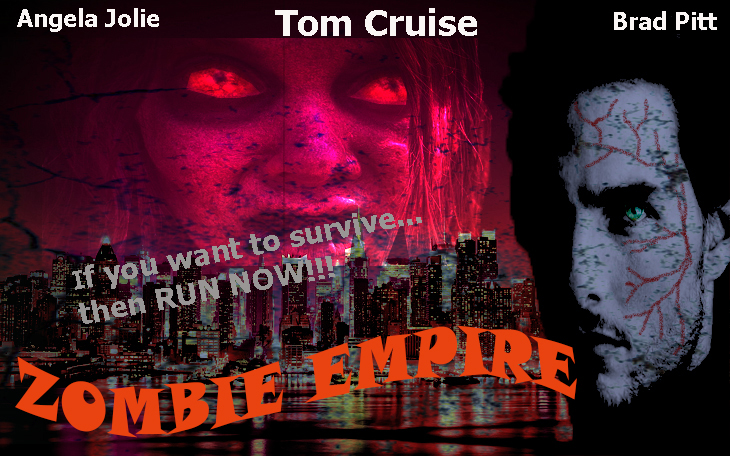
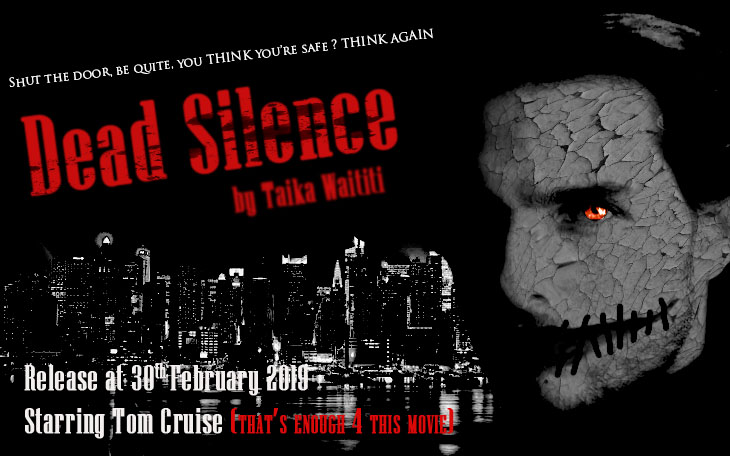
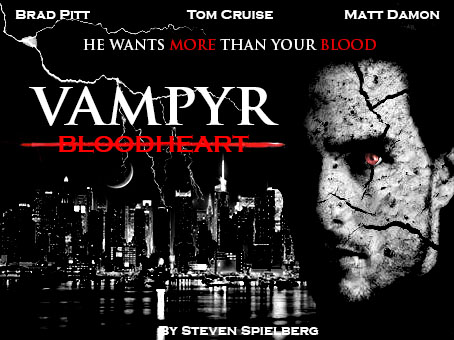
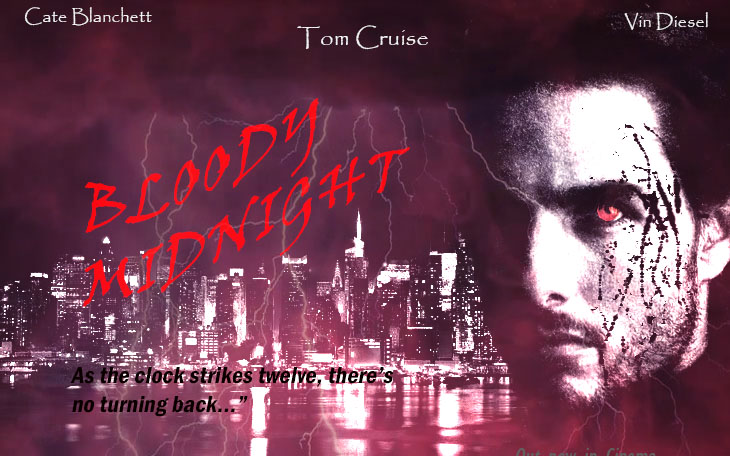
3. Submission
Save your current project as cruise-4.psd
Upload it to your Google Drive Photoshop folder