Text, Sound & Images
There are so many different types of digital files.
here are just a few...
| File extension | Use |
|---|---|
| .txt | text file |
| .rtf | text file |
| text file | |
| .csv | text file |
| .mp3 | audio file |
| .mid | audio file |
| .wav | audio file |
| .bmp | image file |
| .svg | image file |
| .jpg | image file |
Text
Computers store text in a binary format. One byte of information is used to represent one character. A standardised format is used. It is called ASCII. Here it is:

Images
And how about images? Images are displayed on computer screens as a set of pixels - picture elements.
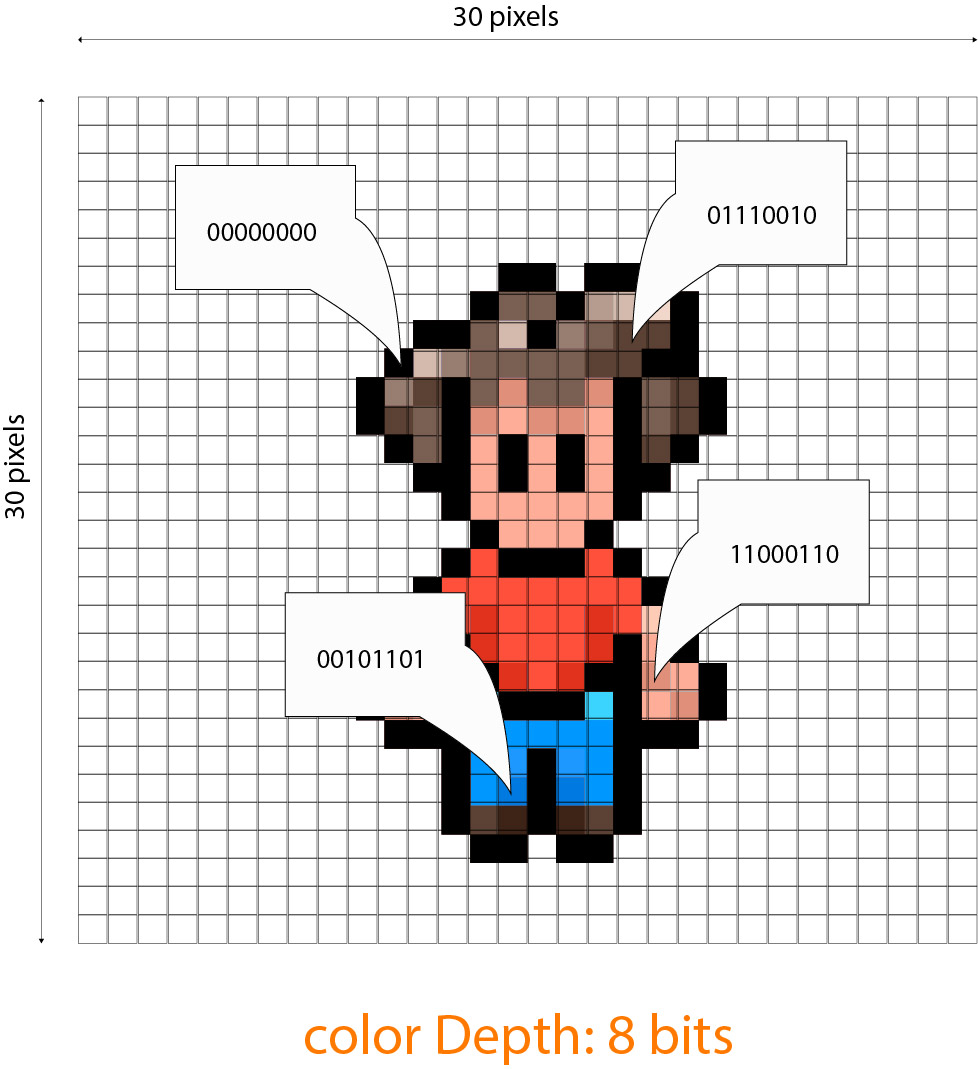
Each pixel has an associated color. The number of bits required to this color information is known as the color depth of the image.
If 1 byte (8 bits) of information was used to represent a color, then there would be 28 possible color combinations, which is 256.
The resolution of an image is just the number of pixels used to make the image.
So, to improve the quality of an image, increase its resolution and/or its color depth!
Sound
Sound waves are analogue in nature. Our ears are used listen to these waves. But a computer doesn't have ears! It doesn't understand analogue sound waves.
We need to convert the analogue data into digital data.
This is done by taking samples of the analogue sound wave and converting the data into a digital value:

In this example, 8 bits are used to store each sample. This is known as the bit depth.
The more samples we take, the better the quality of the digital audio file more info here.
Also, the greater the bit depth, the better the quality of the digital audio.
This sound file will contain:
1111111101001101000000000100110111111111
.mp3 files sampled at a different rate:
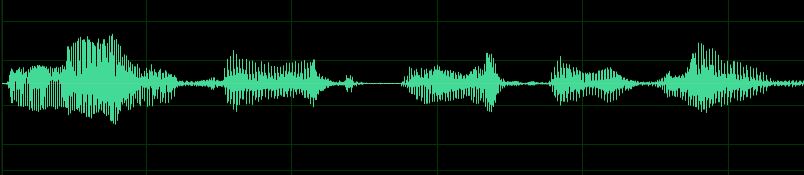
This audio file was sampled at 6000 samples per second.
The bit depth is 8.
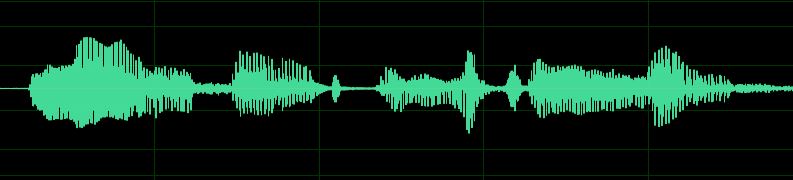
This audio file was sampled at 48000 samples per second.
The bit depth is 32.
Units
Tags
big data cite consumer visualize quote target reputable bibliograpy predict static ubiquitous trends live