Document production
The British government has been researching how teenagers spend their vacations. Here is their poorly-formatted document. It has not been spell-checked but it does have a cool hyperlink to www.viber.com - can you find it?
The report has a lot of spelling errors - how unprofessional! Who wants to read that kind of document? It lacks credibility.
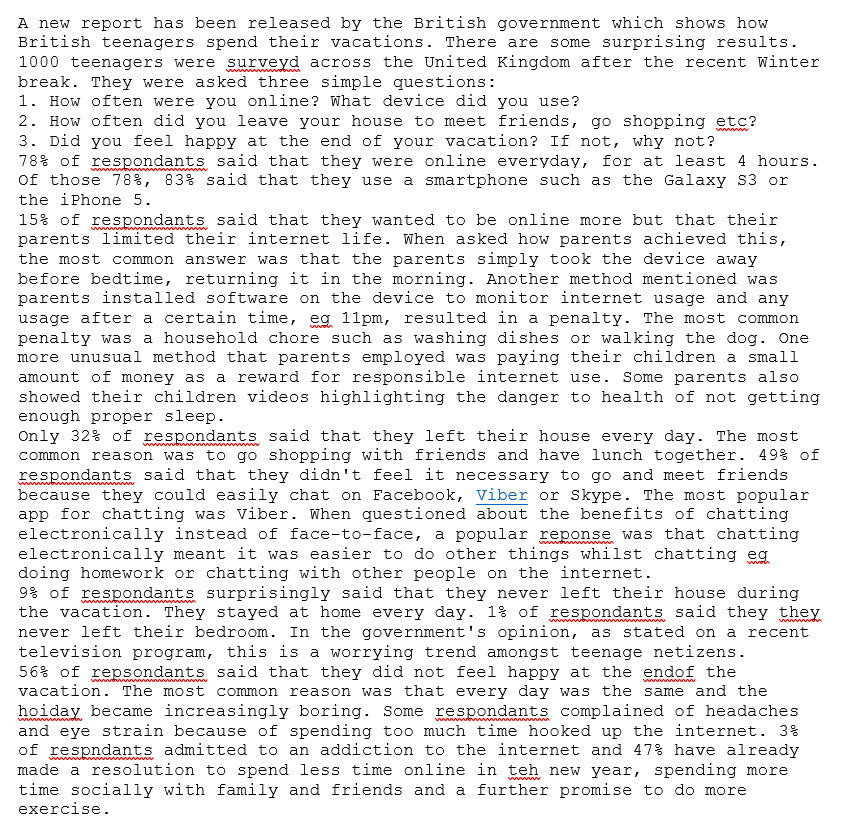
Here is what it needs to look like according to the government's house style:

Note, there is an image in one of the paragraphs. See how the text wraps around the image. The image width is about half of the column width.
Task
Your boss needs that document. You have about 40 minutes.
Do as much as you can - it will definitely be better than the ugly, original file.
Copy the text from the original report into your Document Production software. Follow the Document Specification below. Make sure you spell-check the document.
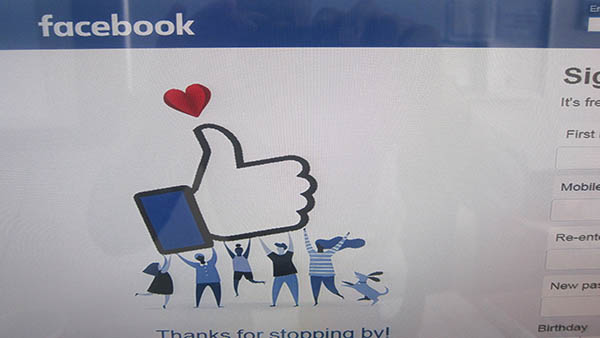
You will also require this image.
Document specification
Orientation - landscape
Header
- font - Times New Roman
- font size - 11point
- British Government, left-aligned
- London, UK, center-aligned
- Today's date, right-aligned
Title
- font - Times New Roman
- font size - 26point
- font style - bold, purple
- alignment - center
Sub-title
- font - Times New Roman
- font size - 12point, bold, purple
- alignment - right
- A report by... - replace ... with your full name
Body text
- font - Times New Roman
- font size - 12point
- alignment - justified
- double line spacing
- 3 columns
- Each paragraph has first line indentingof 1cm
Page numbering
- in the format of Page x of y eg Page 1 of 2
Additional Information
- Insert the image into the paragraph starting with "15% of respondants said..." Crop the image so that only the heart, the hand and the people holding the hand are visible.
- Resize the image so that it fills about 50% of the column width. Make sure the text wraps around the image.
- Make the first instance of the word Viber a hyperlink to http://www.viber.com
- Find the list of three survey questions and make them italic.
Tags
hyperlink merge line spacing columns justified alignment automated portrait orientationheader footeralignment