Our skills are growing! We are gaining speed. It is time to start thinking about how we can use Javascript to make our web pages more interactive. One classic example of interactivity is when someone visits a webpage and clicks something and something happens! It can be a lot of fun. But a Web Designer has to have a good plan for the layout of the webpage and for what happens when the visitor clicks something. This unit will introduce some more Javascript ideas and also a new tag - The div tag which we can use to divide up the body of a webpage.
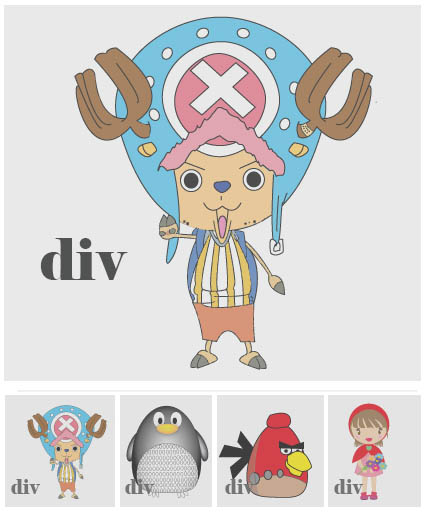
Check out this design. There are 5 divs. One div is pretty big and holds a big image. The other 4 divs are a little smaller and hold thumbnails. Wouldn't it be great if we could click each thumbnail and the same image would appear in the big div! So, when we click the penguin thumbnail, the penguin appears in the main div. When we click Little Red Riding Hood, she appears. Javascript will allow us to do this. All we need to do is call a function whenever we click one of the small divs. This video will explain how to do it. Watch it carefully!
Challenge 1
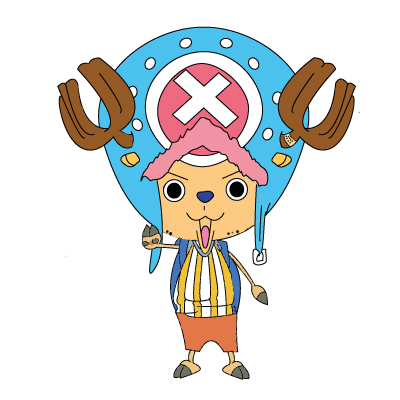
Download the images below into a new folder called Image Gallery. There are 8 of them. See if you can follow the tutorial and make a clickable image gallery in a webpage called imageGallery.html.
Challenge 2

By clicking the button below, I accept the challenge that is being offered to me without reservation or hesitation.
Accept